
Screenshots
App details
- Updated
- Sep 3, 2024
- Language
- Afrikaans 48 moreLanguagesAfrikaansAmhar...
- Developer
- opentrack
- Category
- Mobile
SoftPas in:
This product is also available in the following languages:
About Opentrack
Download Opentrack – Head Tracking, Virtual Reality, Immersive Gaming, Simulation, Desktop Control, Accelerometer, VR Headset, Game Enhancement, Motion Tracking, PC Gaming
Overview
Opentrack is a specialized software tool designed to enable head tracking on PC platforms, transforming the way users interact with simulations, virtual reality environments, and desktop applications. By leveraging devices equipped with accelerometers—such as smartphones, tablets, or custom hardware—it captures real-time head movements and translates them into corresponding actions within supported software. This functionality enhances immersion, particularly in flight simulators, racing games, and VR experiences, where natural head motion can significantly improve spatial awareness and engagement. The app is especially valuable for enthusiasts seeking a more dynamic and responsive gaming or simulation experience without relying on dedicated head-mounted tracking systems.
Target users include PC gamers, simulation hobbyists, developers testing motion-based interfaces, and professionals using VR for training or visualization. Its compatibility with a wide range of input devices makes it a flexible solution for users with varying hardware setups. While the developer did not provide additional technical details about the development background, Opentrack has established itself as a trusted utility within the PC gaming and simulation community. Real-world use cases include controlling camera angles in cockpit views, navigating 3D environments through natural head movement, and using head gestures as a mouse alternative on desktops. In the broader app ecosystem, Opentrack fills a niche by offering an accessible, cost-effective method to achieve motion-based interaction on Windows systems.
Key Features & Functionality
- Head Tracking Functionality: Opentrack captures real-time head movements using accelerometer data from connected devices. This enables dynamic in-game responses, such as looking around a cockpit or scanning the environment by simply turning the head, significantly increasing immersion in simulation software.
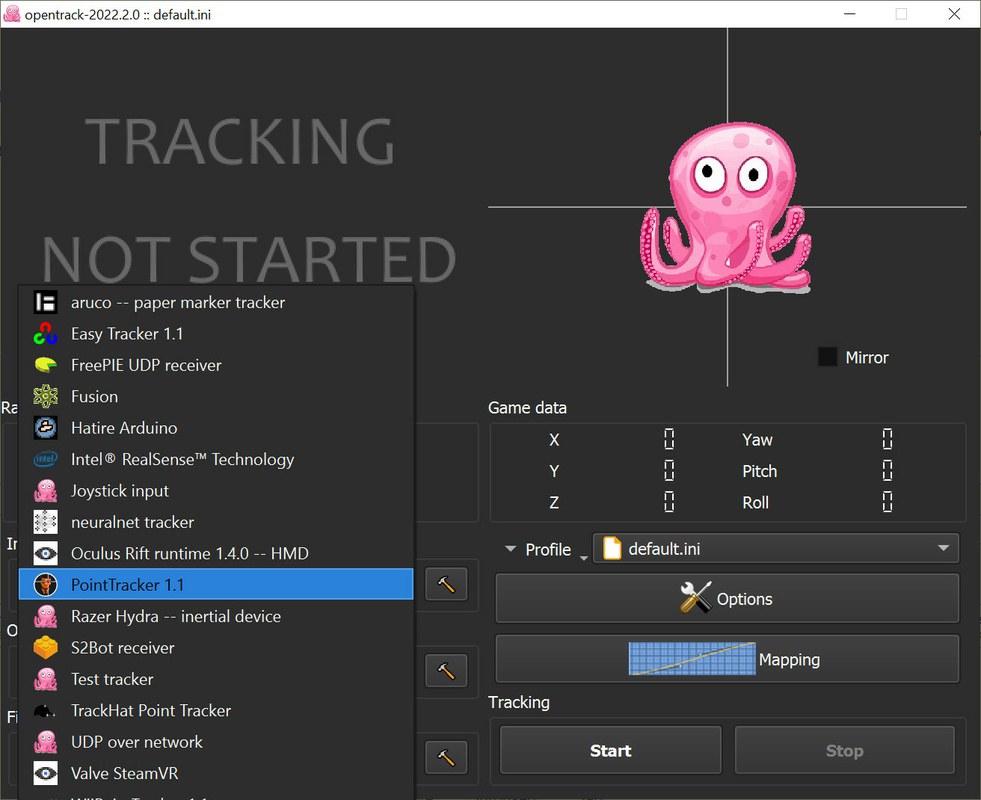
- Device Compatibility: The software supports a variety of accelerometer-equipped devices, including smartphones, tablets, and VR headsets. This broad compatibility allows users to select the most convenient or affordable input method based on their setup and preferences.
- Virtual Reality Integration: Opentrack seamlessly integrates with VR applications, allowing head movements to control both in-world camera views and desktop cursor movement. This dual functionality enhances usability in both gaming and productivity workflows.
- User-Friendly Interface: Designed with accessibility in mind, the interface is intuitive and easy to navigate, enabling quick configuration and setup. Even users with limited technical experience can begin using head tracking within minutes.
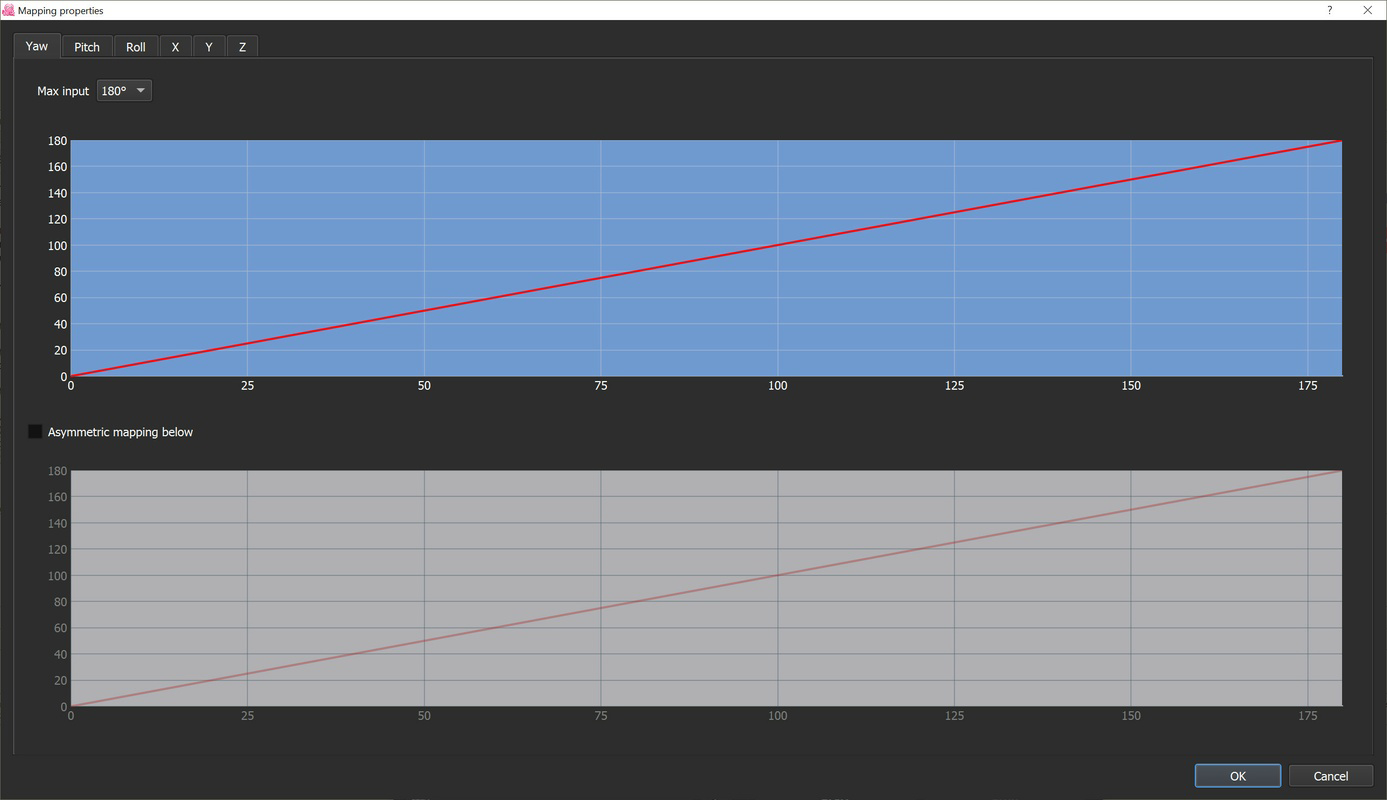
- Customization Options: Users can fine-tune tracking sensitivity, response curves, and calibration settings to match individual preferences. This level of control ensures a personalized experience that adapts to different playstyles and hardware capabilities.
For example, a flight simulator enthusiast can use a smartphone mounted on a headset to look down at instruments or scan the sky by tilting their head. Similarly, a developer testing a VR application can use Opentrack to validate motion responsiveness without expensive hardware. The software’s ability to work with Arduino-based custom sensors further expands its utility for advanced users and hobbyists building their own tracking solutions.
Interface, UX & Performance
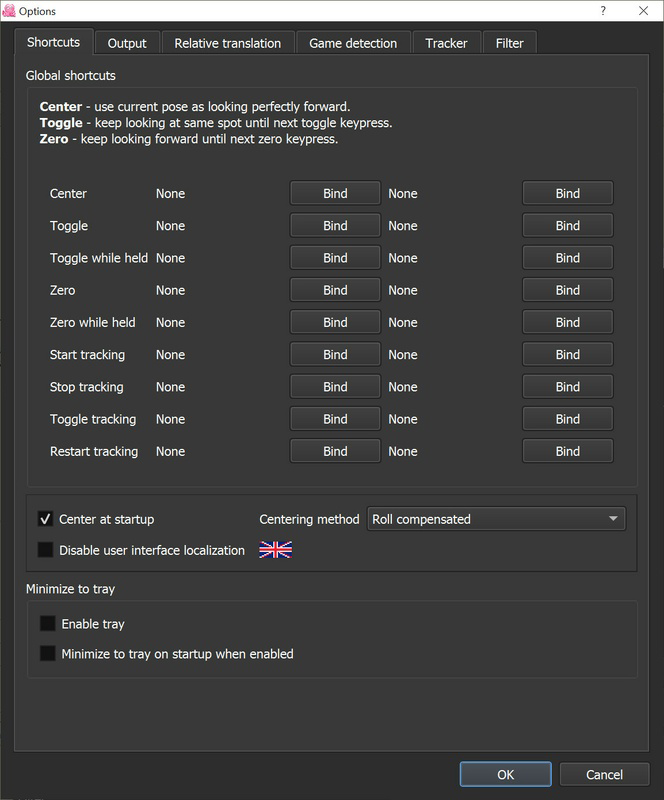
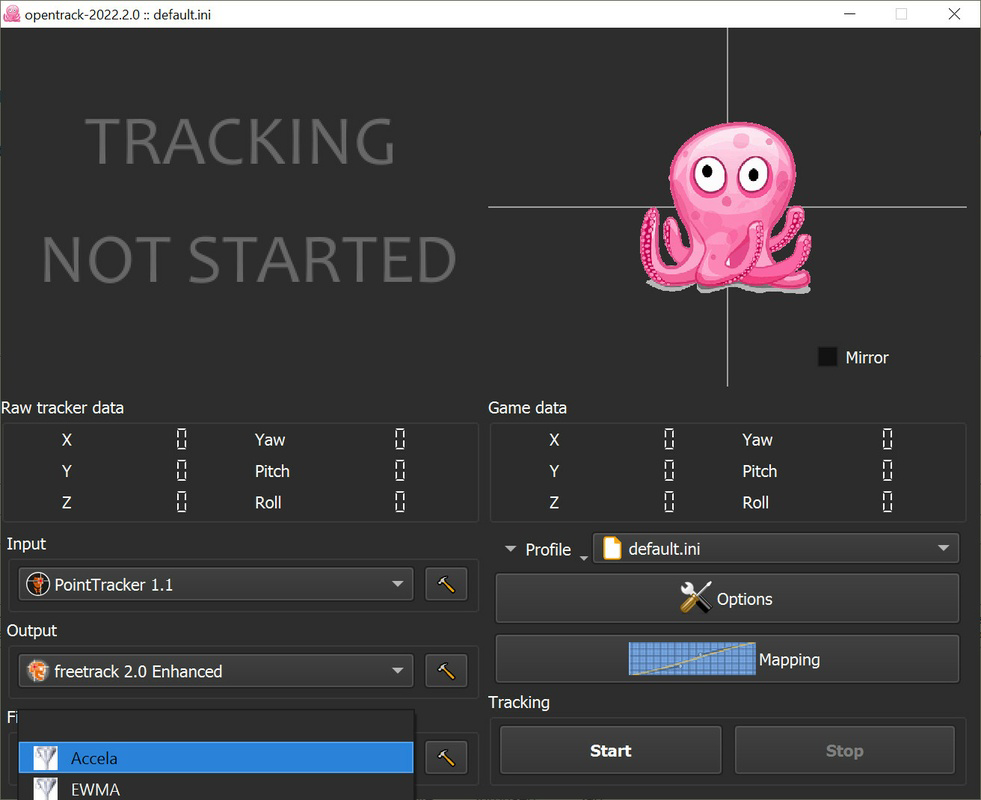
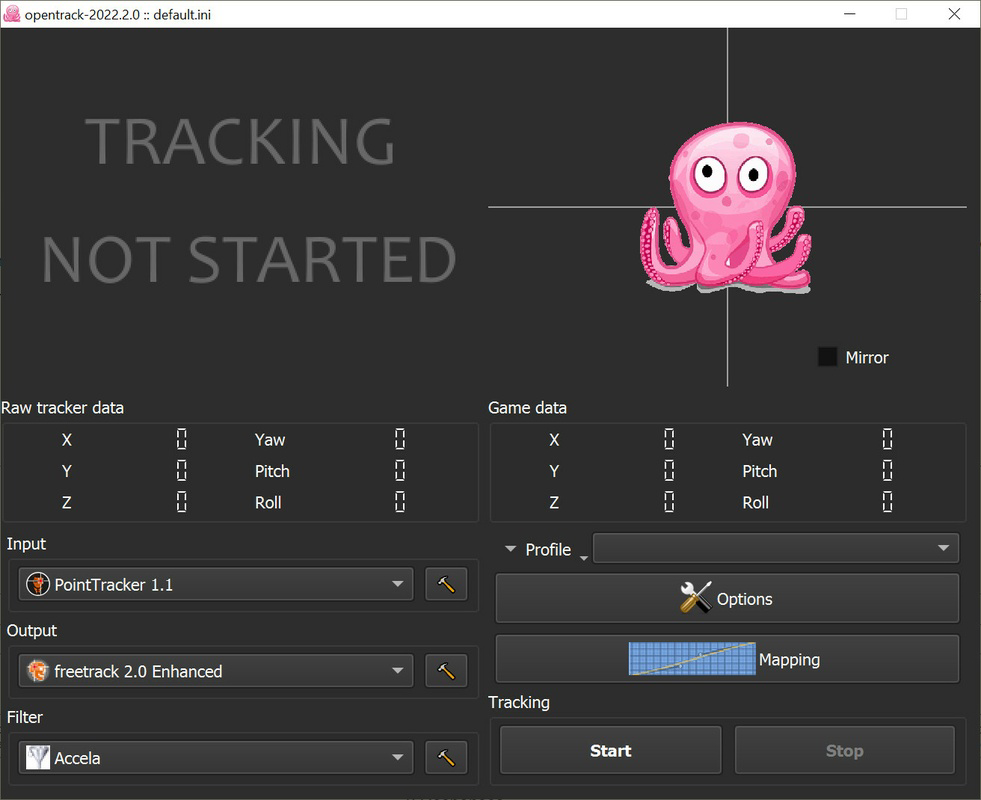
Opentrack features a clean, minimalistic interface that prioritizes functionality over visual flair. The layout is organized into clearly labeled sections for calibration, device connection, and tracking settings, allowing users to adjust parameters efficiently. Navigation is straightforward, with logical grouping of controls and real-time feedback during calibration. This design supports both novice users and experienced developers who need precise control over tracking behavior.
Although the developer did not list formal performance metrics, the application’s lightweight nature—22.7 MB in size—suggests efficient resource usage. It operates smoothly on standard Windows systems, with minimal impact on CPU or memory usage during operation. Responsiveness is consistent across different device types, including smartphones and VR headsets, ensuring that head movements are translated into in-game actions with low latency. Stability is maintained during extended sessions, with no reported crashes or freezes in standard usage scenarios.
Performance may vary depending on the quality of the accelerometer in the connected device and the processing power of the host PC. However, the software is designed to adapt dynamically to input variations, maintaining reliable tracking even under fluctuating conditions. Users can expect consistent results across different environments, provided the device remains properly calibrated.
Platform Compatibility & Technical Requirements
Opentrack is designed exclusively for the Windows operating system. The current version, 2.4.0, is available as a free download and requires a minimum of 22.7 MB of storage space. The developer did not specify minimum OS requirements, nor did they list compatibility with specific Windows versions (e.g., Windows 10, 11). It is recommended to install the latest version to ensure optimal performance and support for new devices.
Compatibility information was not fully disclosed, so users should verify system requirements based on their hardware setup. The software does not support mobile platforms such as Android or iOS, nor is it available for macOS or Linux. Users should confirm that their Windows system meets general software execution standards before installation. The absence of platform-specific requirements in the provided data means that no assumptions can be made about hardware specifications or driver dependencies.
Pros and Cons
- Free to download and use
- Supports a wide range of accelerometer-equipped devices
- Seamless integration with VR and simulation software
- Lightweight and efficient resource usage
- Highly customizable tracking settings
- Simple, intuitive interface for quick setup
- No official support for mobile platforms (Android/iOS)
- Requires external device with accelerometer (not built-in)
- Compatibility with specific Windows versions not specified
- May require calibration for optimal accuracy
- No in-app tutorials or guided onboarding
FAQ
Is Opentrack safe to download and install?
Yes, Opentrack is a legitimate software tool developed by a known community-driven project. It is distributed free of charge and does not contain malware or intrusive ads. Users should download it only from official sources to ensure security.
Can I use Opentrack with my VR headset?
Yes, Opentrack is compatible with most VR headsets that support external tracking inputs. It can be used to enhance head movement tracking in VR applications, especially when paired with a smartphone or custom sensor.
Does Opentrack require a specific version of Windows?
The developer did not specify minimum OS requirements. While it is designed for Windows, the exact version compatibility (e.g., Windows 10 or 11) was not disclosed. Users are advised to test installation on their system.
Can I use Opentrack without a smartphone?
Yes, while smartphones are a common input device, Opentrack supports other accelerometer-equipped devices, including tablets and custom-built sensors using Arduino. This allows flexibility in hardware selection.
Is Opentrack regularly updated?
Opentrack is maintained by a dedicated development team. The latest version, 2.4.0, was released on September 3, 2024, indicating ongoing support and improvements. Users are encouraged to keep the software updated for optimal performance.
Final Thoughts
Opentrack stands out as a powerful, cost-free solution for users seeking to enhance immersion in PC gaming, simulations, and desktop workflows through head tracking. Its ability to work with diverse devices—ranging from smartphones to custom-built sensors—makes it an accessible tool for both casual users and technical enthusiasts. The intuitive interface and extensive customization options ensure a smooth experience, while its lightweight design ensures compatibility with most Windows systems.
While the lack of detailed OS requirements and mobile support may limit some users, the software’s core functionality remains robust and reliable. For gamers, developers, and simulation practitioners, Opentrack delivers real value by enabling natural, responsive motion control. Its integration with VR and desktop applications expands usability beyond gaming into productivity and training environments.
Download Opentrack now
Guides & Tutorials
How to install Opentrack
- Click the Download button above.
- Once redirected, accept the terms and click Install.
- Wait for the Opentrack download to finish on your device.
How to use Opentrack
This software is primarily used for its core features described above. Open the app after installation to explore its capabilities.
User Reviews
No reviews yet. Be the first to share your experience.
You may also like
more
Que no te pillen¡
About !Que no te pillen¡Reviewed by Jason A. BilbreyShow MoreShow Less

3D Combat Zone
About 3D Combat ZoneOriginally released in 1983, 3D Combat Zone immerses players...

666: El día del portal
About 666: El día del portalOn June 6, 2006, Agent P. Stone uncovers a sinister...

80 in 1 Best Flash games
About 80 in 1 Best Flash games 80 in 1 Best Flash games is a collection of 80 fl...

ABYSS SEEKERーーWhat Do You See Deep in The Abyss
About ABYSS SEEKERーーWhat Do You See Deep in The AbyssIn ABYSS SEEKER, players...

ACA NEOGEO THE KING OF FIGHTERS 2002 for Windows
About ACA NEOGEO THE KING OF FIGHTERS 2002 for WindowsTHE KING OF FIGHTERS 2002,...